What Cloe gives the trainer
Build a lesson in an afternoon
Build lessons with your own content right from your browser. Then share with a group and have them interact with you, your content and each other.
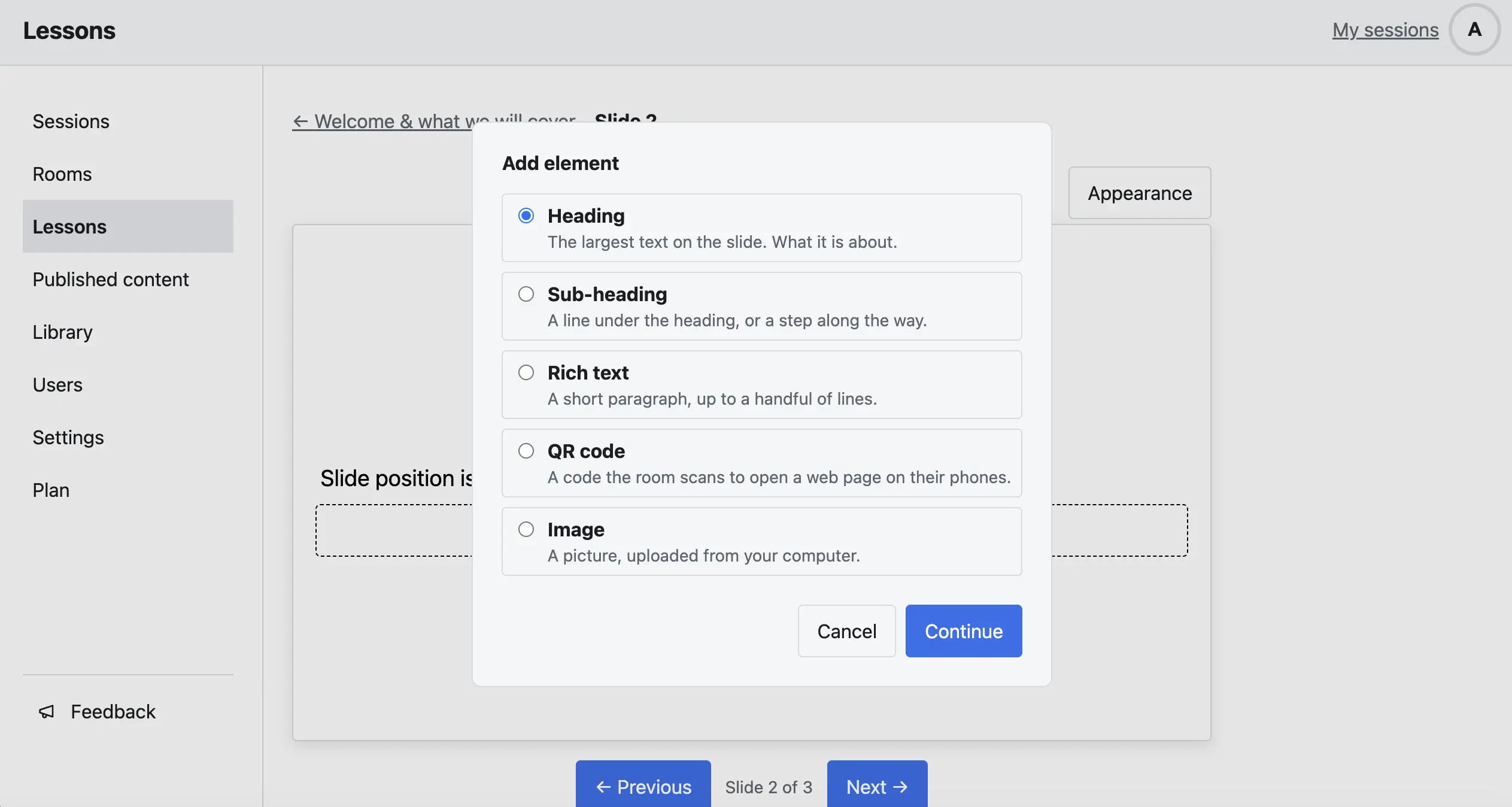
Groups in one sentence
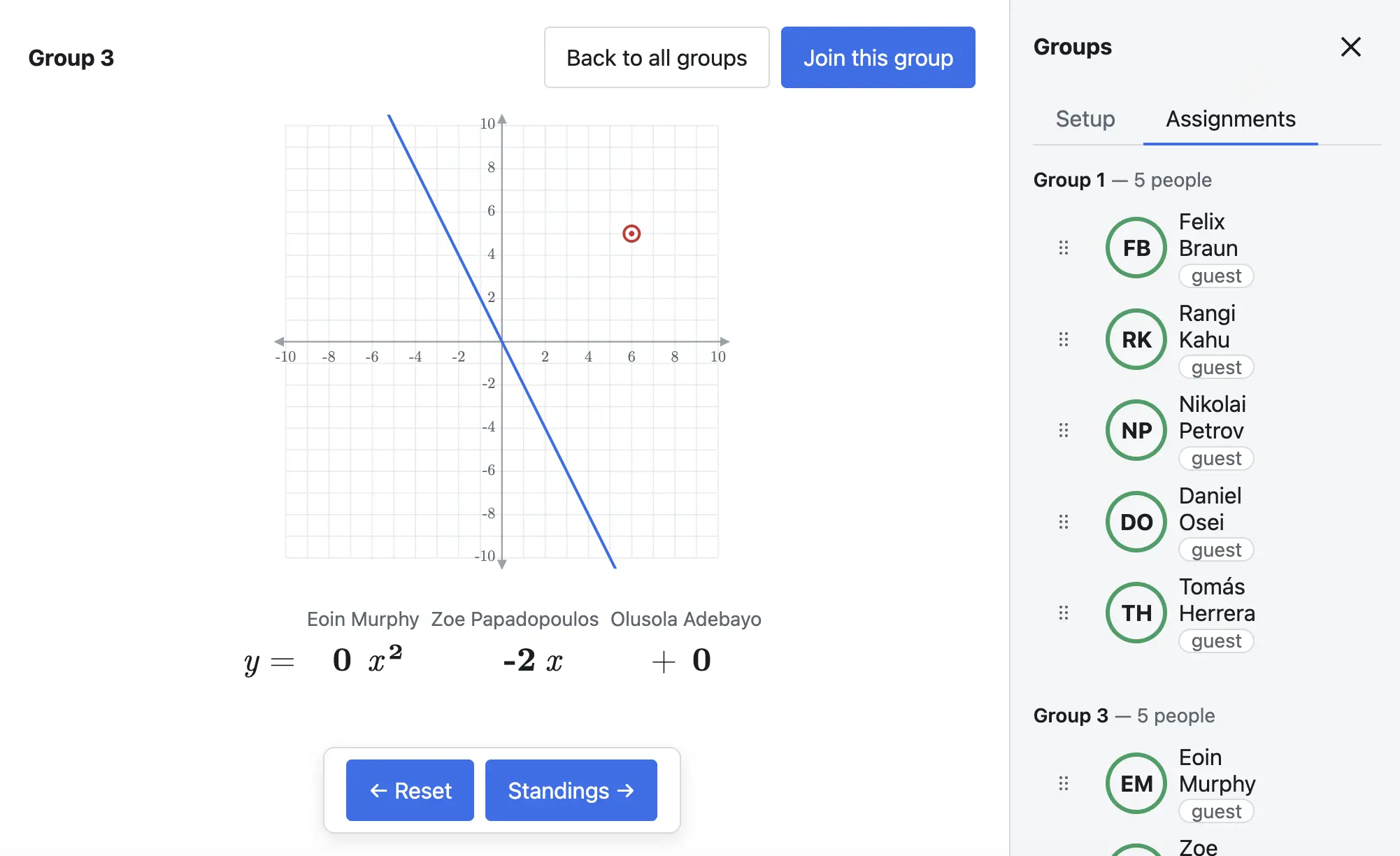
Split into groups of your choosing, the system will keep them practical as people come and go. Assign group work and watch an overview of progress, or view or join a specific group when needed.
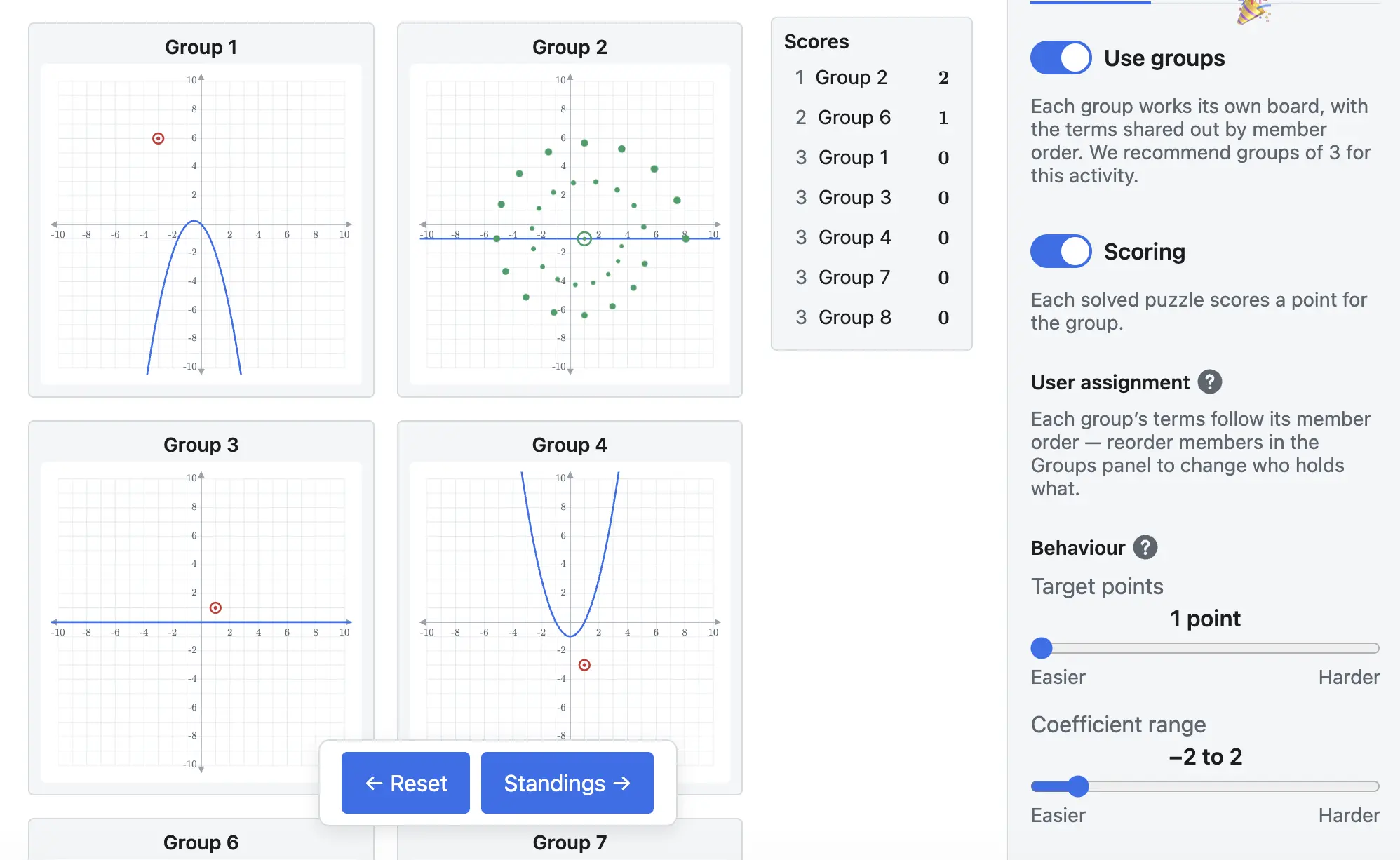
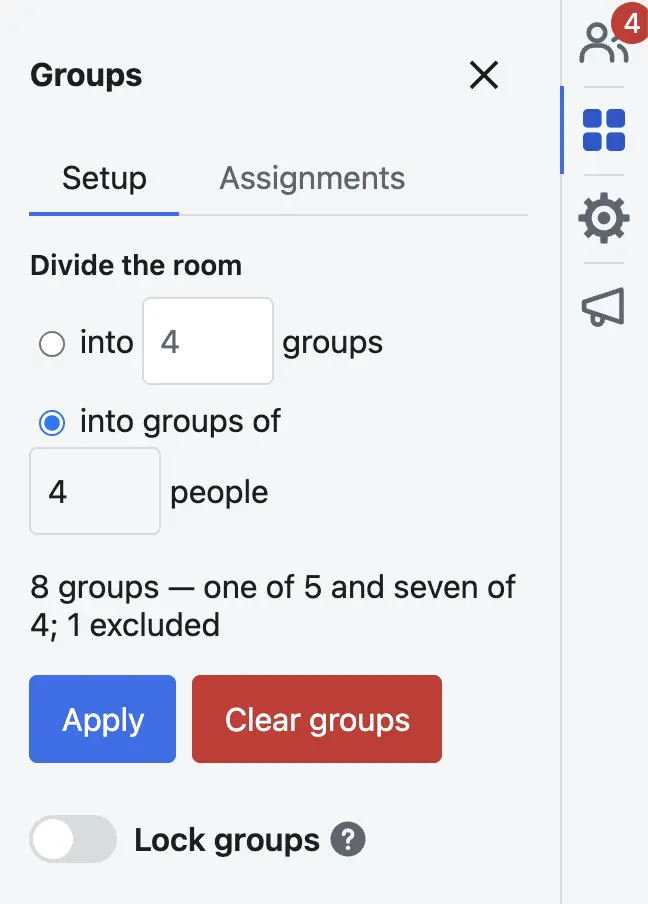
Know how it is landing while you teach
Ask questions, and see the results coming back in real time. Reveal the correct answer, the spread of votes, or who said what, and reopen it if the discussion changes your mind. A mood check shows how the room feels before you start. Raised hands queue in order and reactions float across every screen, so you know when to slow down and who needs a hand.
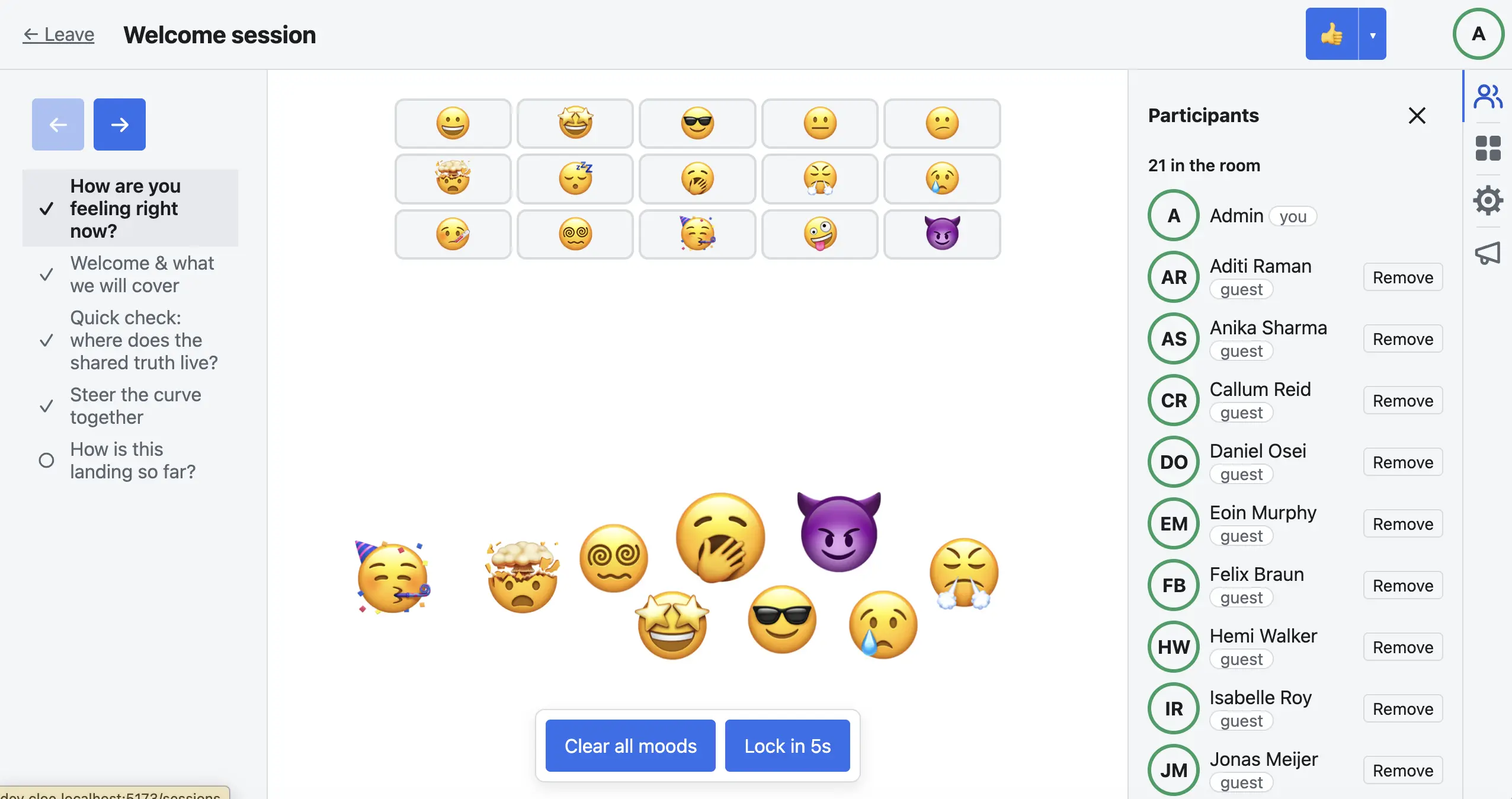
Content people want to play with
Show, don't tell: let participants try things for themselves, instead of listening passively. Use group challenges and leaderboards to motivate and encourage participation.
Lessons built with your field
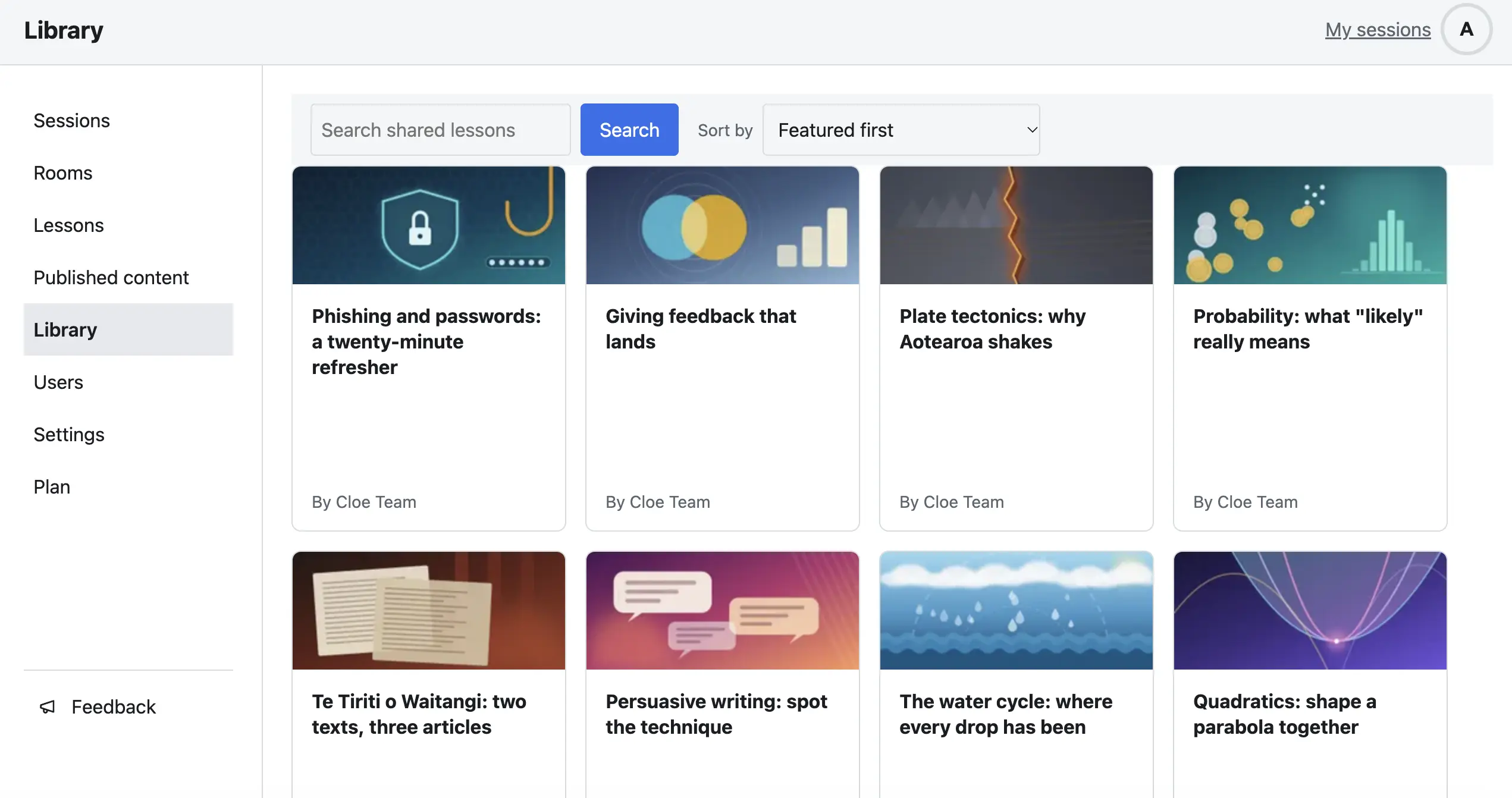
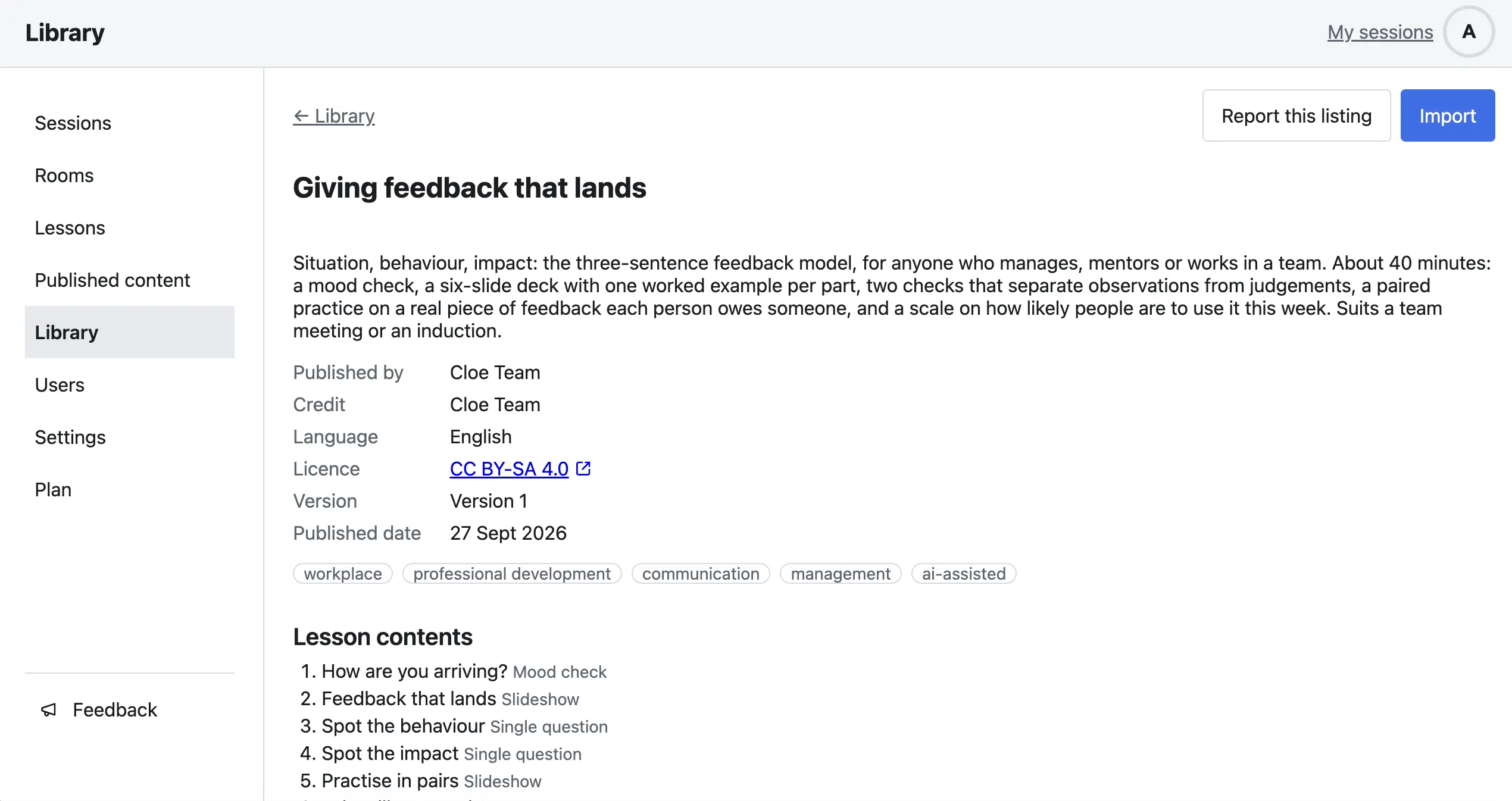
Publish a lesson to the Content Library. Other trainers find it, take a copy and make it their own. When you improve yours, everyone with a copy is shown what changed and can take the update. Good teaching material gets better when it is shared.
Share the link and teach
Members sign in. Guests join from one link or a QR code on your first slide, with nothing to install, on a phone, a tablet or a laptop.
Build your first lesson this afternoon
Questions first? Write to us.